
Where Are My Cases? Tracking Buys From Purchase to Steam Inventory
You bought twelve cases this week. Your Steam inventory shows four. Nothing is wrong — but the first time this happens to a new stacker, it feels like theft. Here's the mental model that makes delivery legible, and how to reconcile it automatically instead of counting icons by hand.
Bought is not delivered
On the Steam Community Market, a purchase lands in your inventory instantly, and that instinct carries over badly to cash marketplaces. On third-party venues, buying an item and holding it in your Steam inventory are two separate events, sometimes days apart. Between them, the case exists in a kind of limbo: paid for, legally yours, and invisible to anyone who only looks at Steam.
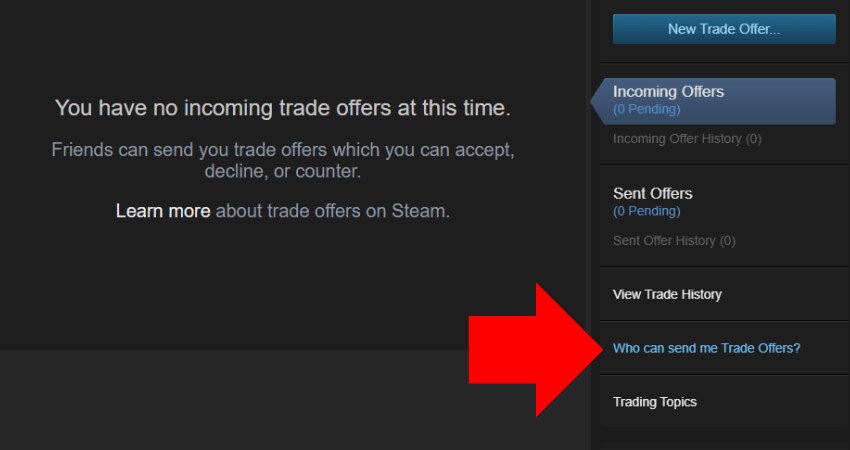
The gap has two causes. First, most cash venues use a custody model: the item you bought sits in the marketplace's system (or the seller's escrow) until you trigger a withdrawal. Second, trade locks — Valve's anti-fraud cooldowns — can delay the transfer even after you ask for it. On DMarket, purchases have been observed carrying locks of roughly two to seven days before withdrawal is possible. SkinBaron works differently: the seller sends a direct Steam trade offer, so delivery depends on a human (or their bot) responding, then on you accepting.
Neither model is worse. They're just different pipelines, and if you buy on both — which any multi-marketplace buyer does — you need to track two pipelines at once.
The three-state model
Every case you've paid for is in exactly one of three states. Once you internalize this, "where are my cases?" becomes a query, not a panic.
| State | Where the item lives | What moves it forward |
|---|---|---|
| 1. On marketplace | Venue's custody / seller escrow | You request withdrawal, or seller sends the trade offer |
| 2. Locked / pending | In transit — trade lock or open trade offer | Time (lock expiry) or you accepting the offer |
| 3. On Steam | Your Steam inventory (or a storage unit) | Nothing — it's home |
The count that matters is the sum of all three, checked against your purchase records. If ledger says 60 cases bought and the three states sum to 60, you're whole — even if Steam alone shows 20. If they don't sum, that's the alarm worth investigating: an expired trade offer, a withdrawal you never triggered, or in the worst case a venue problem, which is why counterparty risk arguments always come back to "minimize time in state 1."
The mirror-inventory gotcha
Here's the trap that catches almost everyone once. Marketplace inventory pages often mirror your Steam inventory alongside your purchased-but-not-withdrawn items. Glance at the wrong tab and you'll double-count: the same 20 cases appear both "on DMarket" and "on Steam," and your portfolio suddenly looks 50% bigger than it is. The reverse error exists too — counting only Steam and concluding the bot's buys "aren't real."
The fix is boring and absolute: define one source of truth per state. Purchases come from your purchase ledger, not from any inventory page. Marketplace custody counts come from the venue's withdrawable items only. Steam counts come from Steam. Never let one system report two states.
Reconciling automatically
Doing this by hand means opening three tabs, filtering out mirrored items, and tallying — weekly, forever. It's exactly the kind of chore that belongs in software, and it's why cs2stack ships a withdrawals command alongside the buyer: it reads the append-only ledger (every buy, money-exact), queries each marketplace for what's still in custody or locked, and diffs the result so the output is a plain answer — so many bought, so many withdrawable, so many in transit, so many home. The same numbers feed the buy reports, so delivery status arrives in your inbox instead of requiring a ritual.
A few practical rules make automated reconciliation trustworthy:
- Reconcile against the ledger, not memory. "I think I bought five Fractures last week" is how discrepancies hide. An append-only record settles it in one line. This is the audit-trail argument in miniature: receipts or it didn't happen.
- Expect lag; alert on outliers. A case in state 2 for three days is normal. The same case after two weeks is not. Track age-in-state, not just counts.
- Batch withdrawals deliberately. Pulling items daily creates dozens of tiny trade offers to accept. Weekly batches are less friction, and since a stacker's holding period is measured in years, a few extra days in custody costs nothing — as long as it's tracked.
- Move settled cases somewhere deliberate. Once cases reach Steam, storage units keep the inventory tidy and make future counts trivial.
Why this matters more for automated buyers
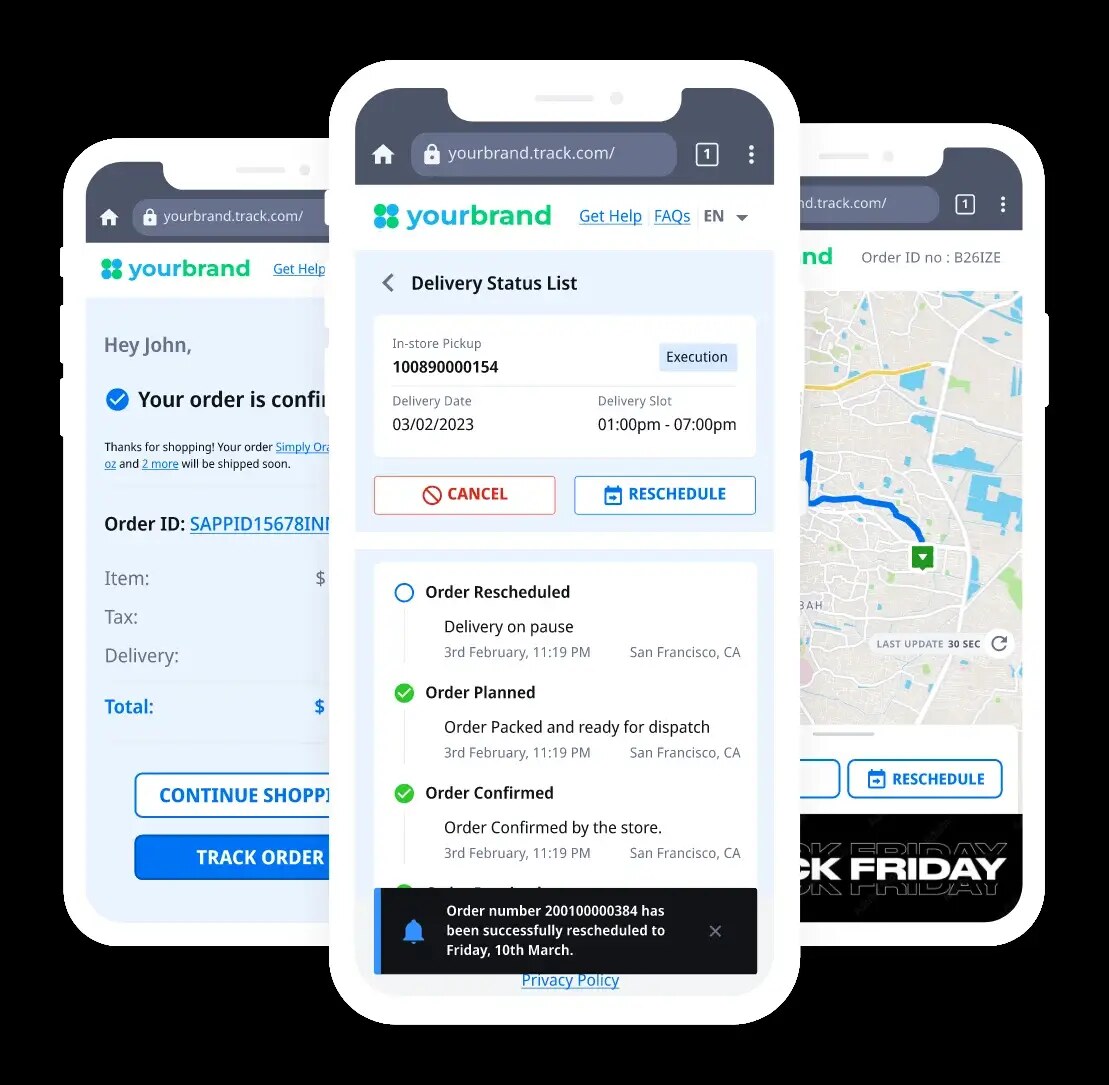
A manual buyer notices delivery friction naturally, because they clicked every button themselves. An automated buyer doesn't — the whole point is that purchases happen while you sleep. That inverts the risk: the convenience that makes daily DCA sustainable also means a stuck withdrawal could sit unnoticed for a month unless something is watching. Automation without reconciliation is a pile of receipts and a shrug.
So treat delivery tracking as part of the buying system, not an afterthought. The pipeline is only done when the case is in state 3 — and a good system can tell you, at any moment and without a single tab opened, exactly how many cases are in each state and how long they've been there. That's the difference between believing your stack exists and knowing it. For what one purchase looks like end to end, receipts included, see the anatomy of one automated buy.