
Getting Started With Automated Case Buys (in One Config File)
Most "trading automation" onboarding involves dashboards, sliders, and a tutorial video. The setup described here is a text file. It says what to buy, how much to spend per day, and the price above which the answer is no. Everything else — venue comparison, currency conversion, receipts — is the machine's problem.
Why a file and not a dashboard
A config file has properties a dashboard can't match. It's diffable — every change to your strategy is a visible edit with a timestamp, which pairs naturally with an append-only purchase ledger. It's reviewable — you can read your entire strategy in ten seconds, which is roughly how long a strategy should take to read. And it's inert — a file can't nudge you with notifications or tempt you with a big green buy button. This is the model cs2stack uses, and this post walks through what goes in the file, line by line.
The budget line
The first line is the most important one in the system:
Budget: $20/dayThat's a ceiling, not a target — the bot spends up to it, never past it, and above your number sits a hard $500/day cap that no config can override. Whole-unit rounding means most days fill slightly under; the founder's public ledger shows roughly $19–20/day of actual fills against a $20 line. Why caps are the load-bearing safety feature of any buying bot is its own post — budget caps explained — but the short version: the budget line is what makes it safe to let software touch a wallet at all.
The item lines
Below the budget, one line per thing you want to accumulate, each with its own price ceiling:
Fracture Case (max $0.60)
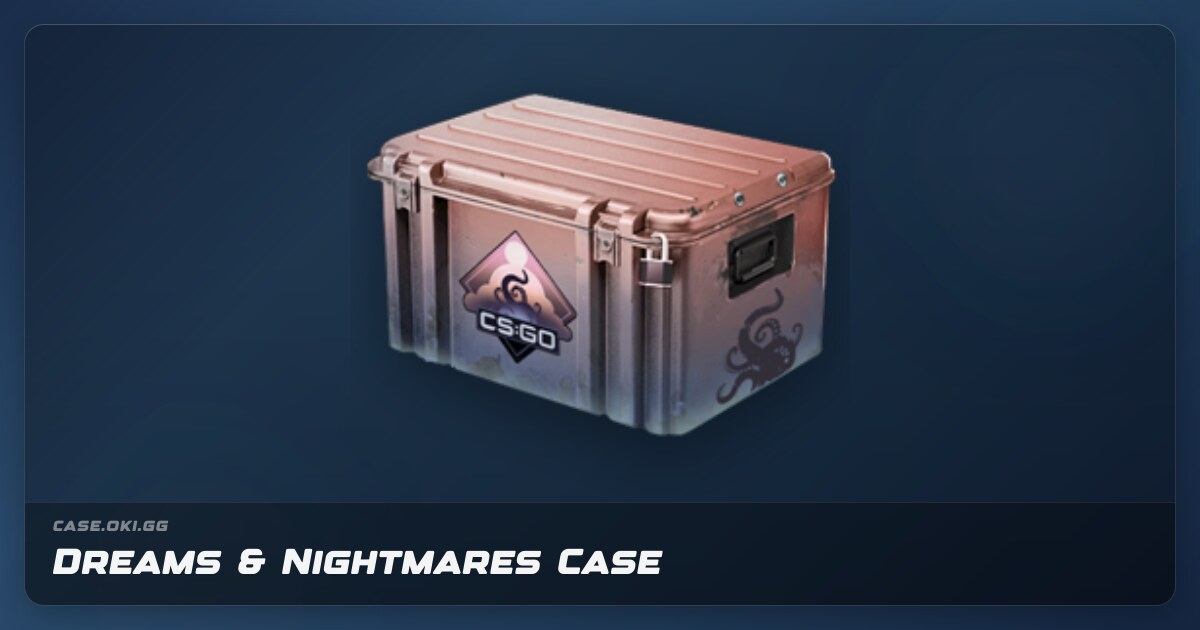
Dreams & Nightmares Case (max $2.50)
Recoil Case (max $0.55)
Two decisions are encoded per line. The name is your strategy — the bot deliberately has no opinion on it, because automation executes lists; it doesn't pick winners. If you haven't chosen items yet, do that homework first. The max price is your protection: on any morning where the cheapest listing across venues exceeds your ceiling, that item is skipped, and the money stays in your pocket rather than chasing a spike. Max-price lines are what turn "buy daily" from a blank check into a limit order that repeats forever.
Budget allocation across lines is deliberately boring: an equal split, so no item silently dominates the day's spending.
Two power features worth knowing on day one
Alternatives with ||. Some purchases are really "whichever of these is cheapest today." A line like:
Prisma Case || Prisma 2 Case (max $1.20)tells the bot to price the whole family each morning and buy the cheapest member under the cap. It's a small syntax with real savings attached — the || trick has its own write-up.
Standing orders. Not everything fits a daily budget. A pricier case works better as a count-based order:
CS:GO Weapon Case — buy 1 per week (max $120)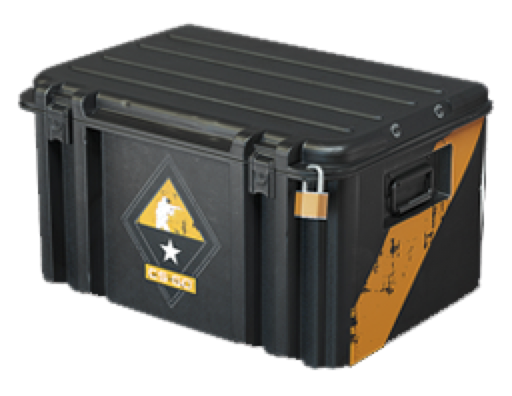
That's a real example from the founder's running config — one CS:GO Weapon Case a week, landing around $110–120 per his ledger, alongside the daily plan. Multiple plans coexist in one file, each with its own budget and cadence; see standing orders as code for the patterns.
What happens before a cent moves
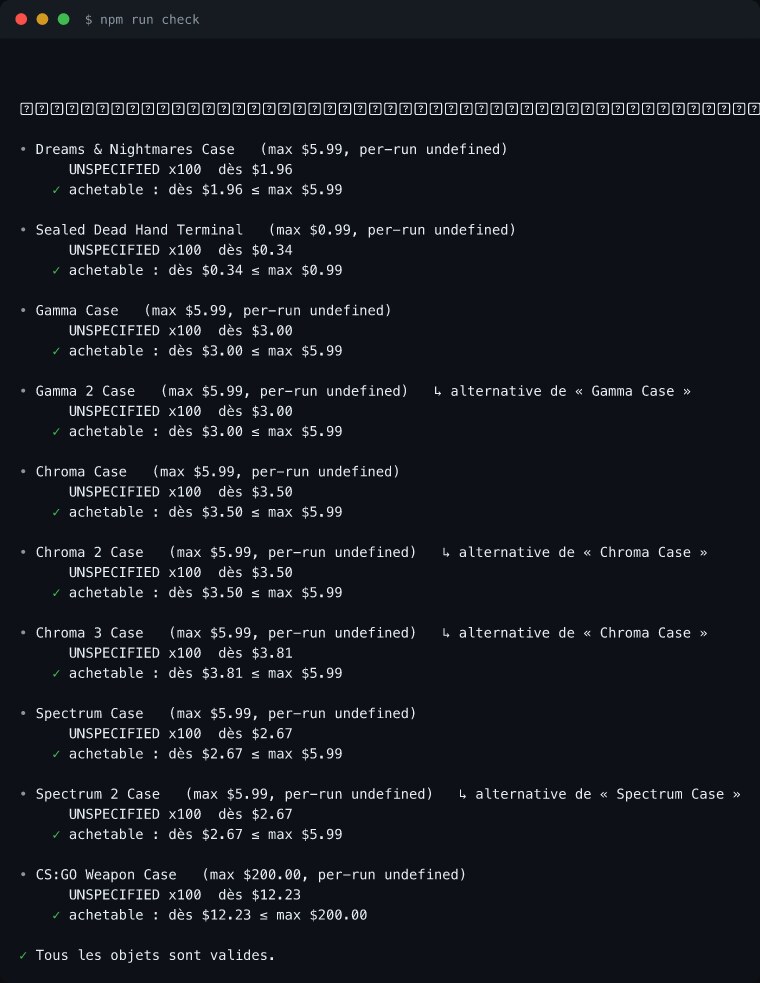
Two safety gates sit between your file and your money. First, name validation: every item name is checked against live market listings before the system will act on it. This is not theoretical — a config once contained "Gamma 3 Case," a case that does not exist (there is no Gamma 3), and validation caught it before any run tried to buy nothing or, worse, the wrong something. The habit generalizes to all skin buying: verify before you buy.
Second, DRY_RUN by default. A fresh setup doesn't spend; it rehearses. The bot runs its full morning — fetches real prices from DMarket and SkinBaron, converts EUR listings at a daily rate, picks the cheapest venue per item, allocates the budget — and then reports what it would have bought, without moving money. You read a few of these previews, adjust caps and names, and only then flip the switch to live. Rehearsing with real prices and fake money is the single best habit in bot operation; dry runs covers it properly.
After the switch: what a day looks like
Once live, the loop is identical to the rehearsal, plus receipts. Each morning the bot prices your list on both marketplaces, buys the cheapest qualifying listings within your caps — the venue-picking logic is detailed in how the cheapest listing gets picked — appends every fill to the money-exact ledger, and emails you a buy report. Items over cap show as skips with the observed price, so a skipped morning is information, not silence. Purchases on DMarket typically sit in a trade lock for a few days before withdrawal; that's normal and expected for a holder.
And that's genuinely the whole setup: a budget line, item lines with ceilings, optional || families and standing orders, validation, and a dry-run week before going live. No selling features exist — the system is buy-side only, by design — and nothing in the file can make the market go up. The file makes you consistent; the strategy stays yours.