
Browser Extensions for Skin Deals: Overlays That Pay for Themselves
The cheapest upgrade in skin buying isn't a bot or a subscription — it's an overlay. Extensions like BetterFloat and SkinSniper inject cross-market reference prices directly into the marketplace pages you already browse, turning every listing into a small verdict: cheap here, expensive here, fairly priced. For manual buyers, that one change quietly fixes the most common way money is lost: not slow reflexes, but wrong reference prices.
What an overlay actually does
Mechanically, a deal overlay is a content script: it reads the listings on the page, looks each item up against external price sources, and injects what it finds next to the venue's own numbers. The typical feature set:
- Reference price injection. A cross-market price (often Buff163/Youpin-derived, sometimes aggregator medians) displayed beside every listing — the number the venue would rather you didn't compare against.
- Real discount badges. The listing's price expressed against that external reference, replacing or supplementing the venue's self-graded "-40%".
- Attribute surfacing. Floats, pattern seeds, sticker values pulled forward so float and pattern context is visible without opening an inspect link.
- Quality-of-life extras. Currency conversion, price history, quick links to the same item on other venues.
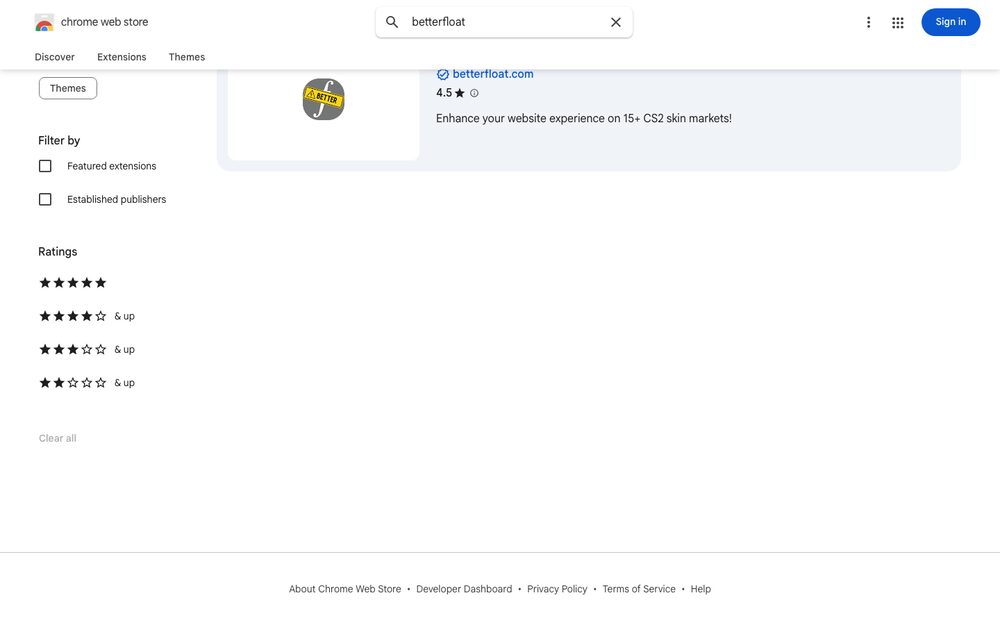
BetterFloat is the power-user staple of the category; SkinSniper focuses on putting prices inside your Steam tabs. Both are surfacing tools: they show you prices. Neither buys anything.
Why the reference price is the whole game
Marketplaces grade their own homework. Their "suggested price" sets their discount badges, and that reference is routinely chosen generously — which is how a listing can wear "-25%" while costing more than the same item three tabs away. The same skin holds several prices at once across venues, and whoever controls which price you compare against controls what looks like a deal. An overlay's entire value is taking that choice away from the venue and giving it to a third party. It's the browsing-time version of the 60-second comparison workflow — run automatically, on every listing, for free.
One honest caveat: the overlay's reference is also just an opinion. China-derived references can diverge from western realizable prices, thin items have noisy references everywhere, and every tool's fair-value logic embeds assumptions. An overlay upgrades you from "the venue's number" to "an independent number" — not to truth.
What overlays can't do
The category's limits are structural, not missing features:
- No automation. An overlay renders when you load a page. It doesn't poll, doesn't alert, doesn't act — the deal that lists while you sleep is invisible to it. Catching listings without being present is a different tool class entirely.
- No speed. Even at the screen, you're reading an annotation and then racing people who don't read. Overlays inform decisions; they don't win races.
- Venue coverage gaps. Each extension supports specific marketplaces; on unsupported venues you're back to bare listings.
Framed against the rest of the tool landscape: overlays are the information layer. Scanners add detection, autobuyers add execution. Sensible stacks use all three for different jobs rather than expecting one to be the others.
There's also a subtler limitation worth naming: overlays shape attention. Once every listing wears a computed discount, browsing quietly turns into bargain-hunting, and bargain-hunting into buying things because they're cheap rather than because you wanted them. The overlay's number answers "is this a fair price?" — it cannot answer "should I own this?" Users who treat the badge as a buy signal end up with inventories full of statistically fair items nobody asked for. The tool informs the decision you were already making; it shouldn't manufacture new ones.
Extension safety, briefly and seriously
A browser extension runs inside the pages where you log in and trade — which makes a malicious or compromised one a perfect scam vector. The category has real history here: lookalike extensions and hijacked updates have been used to alter trade screens and phish credentials, cousins of the standard inventory-emptying playbook. Minimum hygiene:
- Install only from official web stores, via links from the project's own site — never from a Discord DM, a forum attachment, or a "helper" in a trade offering a tool that "shows real prices."
- Prefer open-source extensions where they exist; auditable code and a public repository raise the cost of hiding malicious behavior.
- Check the developer name, user count, and review history; lookalikes clone icons and names, rarely tenure.
- Read permissions: a price overlay needs the marketplace sites it supports, not "all websites" plus your clipboard.
- Keep the trading browser lean — every extension with page access is attack surface on the same screen as your trade confirmations.
Where overlays fit
If you buy skins manually — even occasionally — an overlay is close to a free lunch: zero cost, near-zero effort, and it inoculates you against inflated discounts, the top entry in the beginner-mistake list. What it won't do is watch the market for you. For the items you'd buy at a known price whenever they dip, the complement is a standing rule: cs2stack monitors DMarket and SkinBaron continuously and buys under your caps with the receipts logged — the always-on layer an overlay, by design, can't be.